See what's new!

Subscribe to updates
© 2025 PromptForm.ai

New

Jun 12, 2024

CATEGORY: Functionality

DESCRIPTION: Enabled the selection of multiple files simultaneously under the 'choose a file' option.

IMPACT: Users can now upload multiple files in one go, increasing efficiency.
Jun 12, 2024

CATEGORY: User Interface

DESCRIPTION: Added an option to toggle custom CSS from the whitelabel styling properties on or off.

IMPACT: Users can now determine if site issues are due to custom styles, native editor styles, or other factors.

Jun 07, 2024

CATEGORY: Functionality

DESCRIPTION: Enhanced the interactive model to allow selection from multiple images as options, similar to text lists.

IMPACT: Users can now choose their favorite images, which will be referenced in subsequent prompts, streamlining the selection process.

Jun 06, 2024

CATEGORY: Functionality

DESCRIPTION: Implemented scripting to handle long text documents, generating audio files separately and stitching them together.

IMPACT: Users can now convert long documents into seamless audio files, improving the text-to-speech process.

Jun 06, 2024

CATEGORY: User Interface

DESCRIPTION: Added a "Total" column at the bottom of the App Costs modal for easy reference to total costs.

IMPACT: Users can now quickly view total costs, simplifying cost management.

Jun 04, 2024

CATEGORY: Functionality

DESCRIPTION: Added integration with Stripe for payment processing, similar to ThriveCart and Kartra. This enables seamless and secure transactions.

IMPACT: Users can now leverage Stripe for handling payments, providing more options and flexibility for monetizing their apps.

May 29, 2024

CATEGORY: Functionality

DESCRIPTION: Added support for the GPT-4-o (Omni) model for AI content creation. Users can use this model to generate text and read images, CSVs/JSON at twice the speed of GPT-4 Turbo and 1/2 the cost.

IMPACT: Users can now leverage GPT-4-o for more advanced and versatile content generation tasks.

May 07, 2024

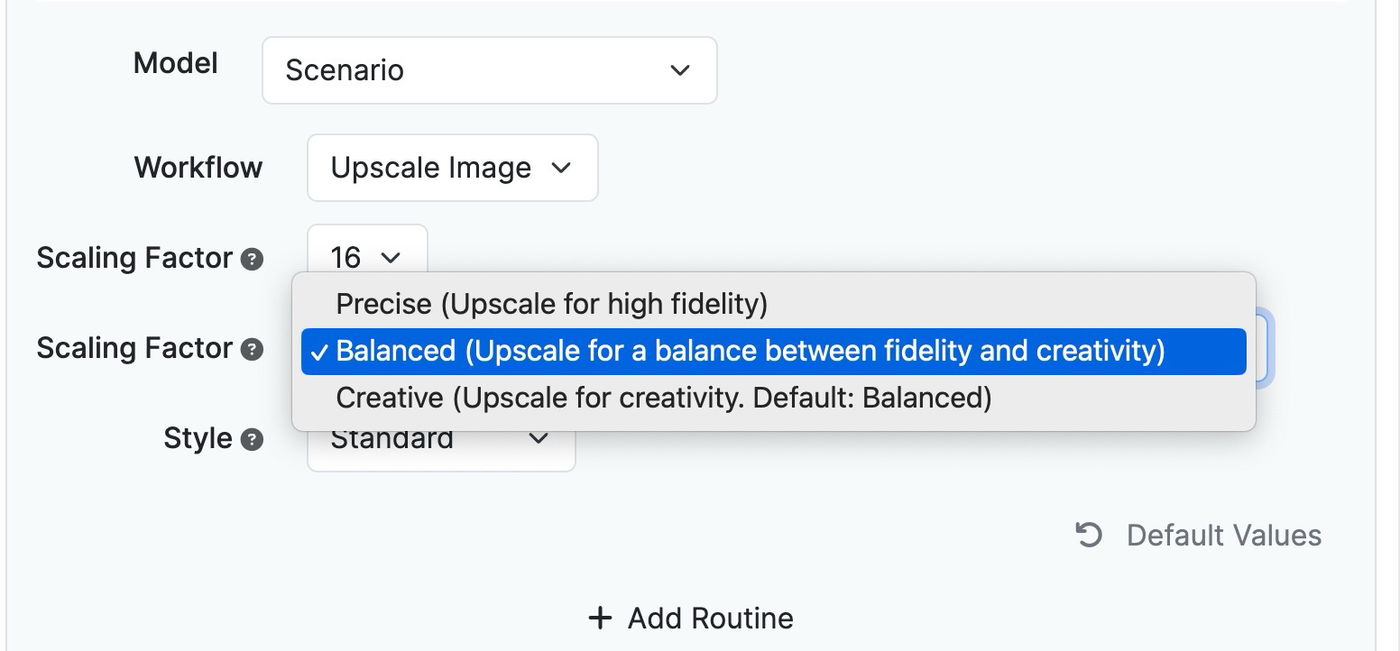
Now you can upscale images using Scenario.com's powerful upscaler.

Upscale up to 16x

Use creative mode to reimagine your images

May 02, 2024

When viewing a history item in one of your apps, you can click debug and see a flow diagram of your app. The solid lines represent the flow of the prompts. The dotted lines indicated references from inputs or other prompts.

This can be helpful to see your flow from a higher level view.