See what's new!

Subscribe to updates
© 2025 PromptForm.ai

Functionality

Jul 04, 2025

CATEGORY: Functionality

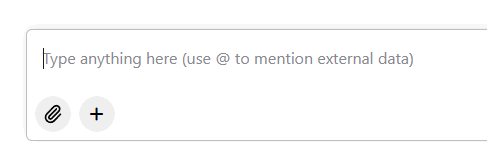
DESCRIPTION: Implemented a Memory Selector in chat interfaces, allowing users to reference saved custom field values during interactions.

IMPACT: Users can now seamlessly access and utilize saved values in custom fields by typing the "@" symbol, improving chat interaction efficiency.
Jul 03, 2025

CATEGORY: Functionality

DESCRIPTION: Added the ability to reference custom fields in app prompts via the "Insert" menu.

IMPACT: Users can now enhance prompt customization by integrating unique data points, improving app functionality and personalization.

Jul 01, 2025

CATEGORY: Functionality

DESCRIPTION: Enabled users to maintain subscriptions across more than one whitelabel site using the same email address.

IMPACT: Users can now participate in multiple PromptForm-associated sites without needing separate email addresses, ensuring broader accessibility and ease of management.

Jun 27, 2025

CATEGORY: Functionality

DESCRIPTION: Removed restrictions on memory editing, allowing team members to edit a partner's memories without domain limitations.

IMPACT: Enhances team collaboration by granting team members unrestricted access to manage partner website memories.

Jun 25, 2025

CATEGORY: Functionality

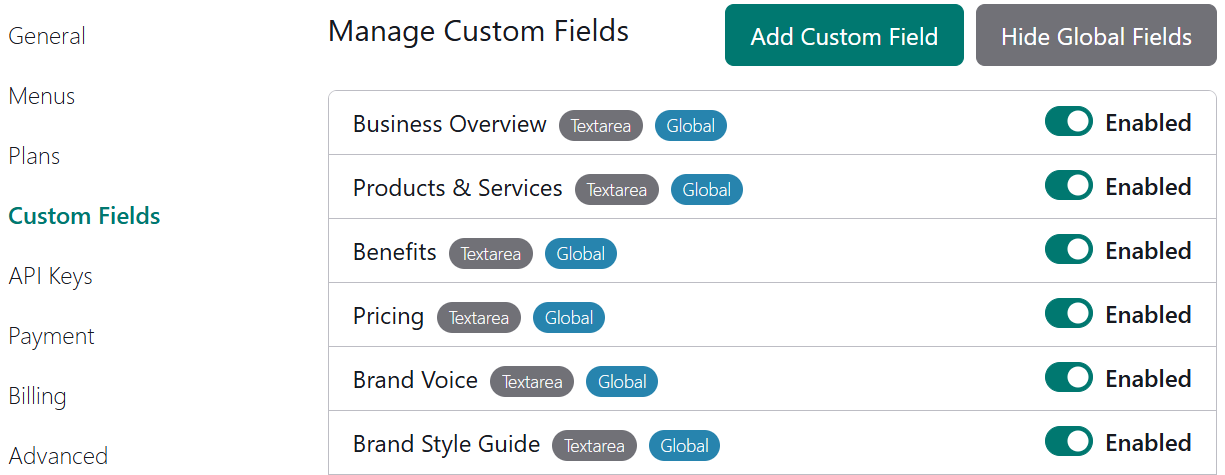
DESCRIPTION: With the recent release of Global Custom Fields, Partners can now disable those fields from Websites > Properties > Custom Fields, effectively hiding irrelevant fields from their users' profiles.

IMPACT: This enhancement allows partners to streamline user profiles by concealing unnecessary global custom fields, enhancing the relevance and usability for end-users.

Jun 25, 2025

CATEGORY: Functionality

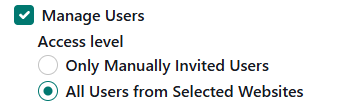
DESCRIPTION: Introduced the ability for team members to invite new users into the organization without requiring partner status. Members can configure permissions and manage users within a scoped environment.

IMPACT: This update empowers team members to grow their users more autonomously, providing flexibility and control tailored to specific roles and scopes within the organization.

Jun 19, 2025

CATEGORY: Functionality

DESCRIPTION: Implemented feature to display uploaded files in app details page, facilitating easier debugging and review of uploaded content.

IMPACT: Users can now view uploaded files directly in debug mode, enhancing the efficiency of troubleshooting and content verification.

Jun 16, 2025

CATEGORY: Functionality

DESCRIPTION: Introduced support for PDF files within apps using Claude models. Previously, only images were supported.

IMPACT: Users can now upload and utilize PDF files in their Claude-powered applications, enhancing document handling capabilities.

Jun 16, 2025

CATEGORY: Functionality

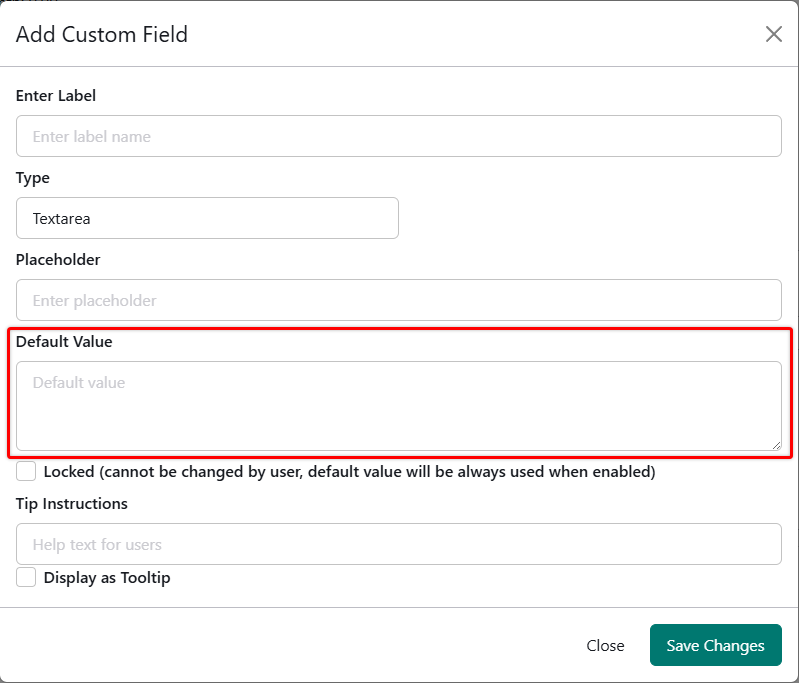
DESCRIPTION: Enabled admin users to set default values for custom fields, which auto-populate in the Memories section.

IMPACT: Simplifies repetitive data entry, enhancing user efficiency and consistency across entries.

Jun 16, 2025

CATEGORY: Functionality

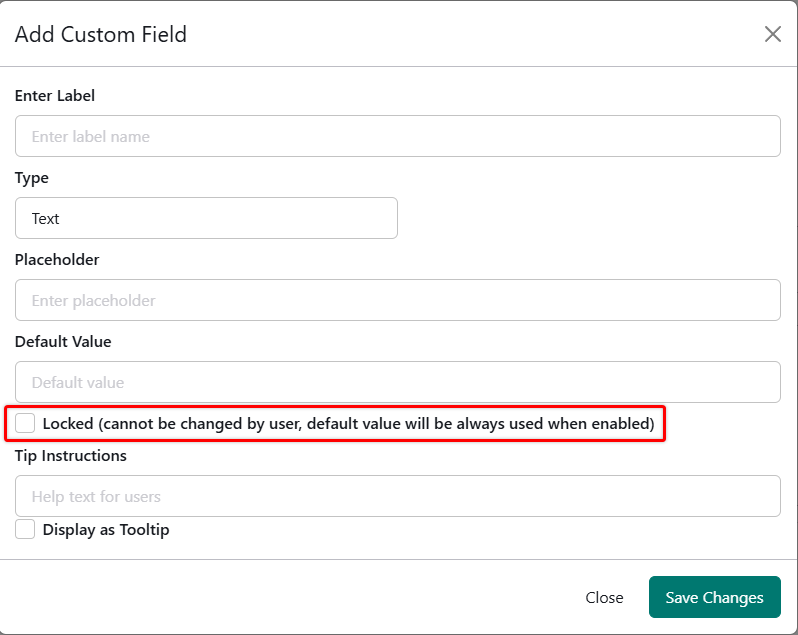
DESCRIPTION: Introduced functionality to lock custom fields, preventing edits by shared users.

IMPACT: Admins can secure field values, offering better control over shared data integrity.

Jun 16, 2025

CATEGORY: Functionality

DESCRIPTION: Resolved an issue where only the first file in an input was used in prompts when multiple files were uploaded. Now, all uploaded files from a single input are correctly passed to the prompts.

IMPACT: Users can now utilize multiple files in their prompts, enhancing the app's flexibility and functionality.

Jun 13, 2025

CATEGORY: Productivity

DESCRIPTION: The new History Panel offers categorized filtering, dynamic loading, improved usability, and quick access to details. Users can scroll, filter, rename, and delete history entries directly from the panel. New items auto-refresh when switching tabs and provide visual indicators for apps vs. bots.

IMPACT: This revamp eliminates friction in reviewing past work, allowing for faster access, better tracking, and enhanced visibility of recent activity.

More details here