See what's new!

Subscribe to updates
© 2025 PromptForm.ai

Functionality

Jun 13, 2025

CATEGORY: Functionality

DESCRIPTION: Added a new QuickChat feature that starts a new chat with the Default Bot when clicked. Chats now use a new default-centered layout for initial messages, transitioning to the full chat interface after the first message is submitted. Other UX improvements include auto-scroll handling, dynamic input sizing, and easier file attachments. Resuming previous conversations is also more intuitive with enhanced chat history interactions.

INSTRUCTIONS:

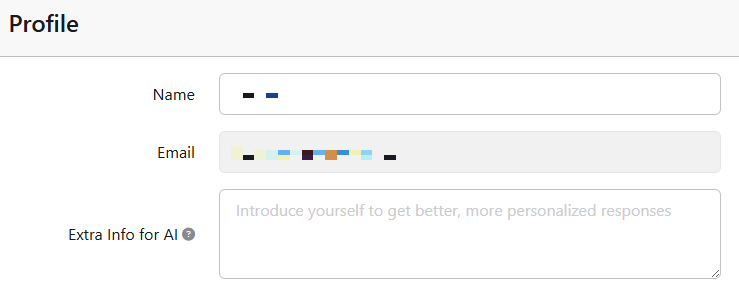
  • To enable QuickChat to function properly in PromptForm, go to /profile and ensure all Memory Fields are filled in. QuickChat depends on this data for contextual conversations.
  • To enable QuickChat to function properly in your own website, set a default bot via /websites > Edit Properties > Advanced > Default Bot for Chat. This determines which bot the QuickChat (New Chat) button will initiate.

IMPACT: Chat UX is now smoother, smarter, and more customizable. Users can maintain richer conversations with better continuity and clearer context via the updated memory structure.
More details here

Jun 09, 2025

Category: Functionality

Description: Implemented automatic naming of history item titles. This feature provides short titles generated from the first user input message, similar to ChatGPT's functionality.

Impact: Streamlines the organization of history items by reducing manual input required, thus improving user experience and efficiency.

Jun 09, 2025

Category: Functionality

Description: Added functionality allowing team members to view, use, and edit custom fields (saved memories) for shared context within team accounts. This enables collaborative use of consistent information in app operations.

Impact: Enhances team collaboration and consistency by sharing context among team members, facilitating more coherent and efficient app usage.

Jun 04, 2025

CATEGORY: Functionality

DESCRIPTION: Implemented a feature allowing users to add context to the system prompt directly from their profile, similar to ChatGPT, enhancing user personalization.

IMPACT: Users can now customize how their prompts are processed, providing more tailored AI interactions.

May 26, 2025

CATEGORY: Functionality

DESCRIPTION: Introduced feature allowing users to drag and drop documents into chat input for bot interaction. Supported file types include images and PDF.

IMPACT: Users can seamlessly integrate and analyze documents within chats, enhancing bot conversational context and efficiency.

May 23, 2025

CATEGORY: Functionality

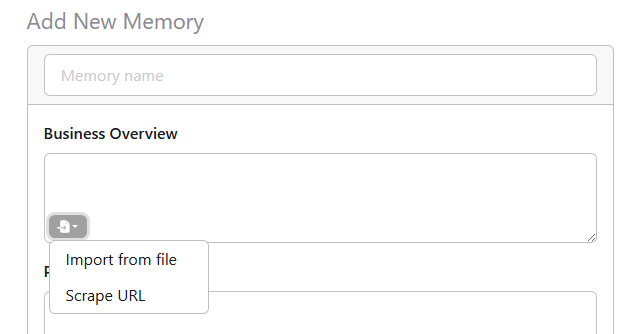
DESCRIPTION: Introduced functionality allowing users to add websites, documents, or text files into text area custom fields. These inputs are parsed and can be consistently passed as text in the app context.

IMPACT: This update enhances the ability to include dynamic content, expanding flexibility and user options in app creation.

May 16, 2025

CATEGORY: Functionality

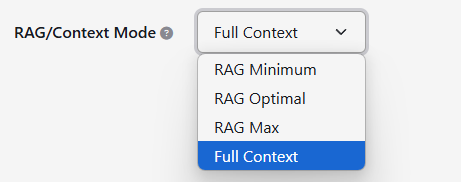
DESCRIPTION: Introduced support for context-based document usage without requiring RAG/embeddings. This can be set as an option under App/Bot settings, supporting PDF and Txt formats.

IMPACT: Users gain greater flexibility and autonomy in how they handle documents, enabling diverse use cases and enriching the PromptForm experience.

May 16, 2025

CATEGORY: Functionality

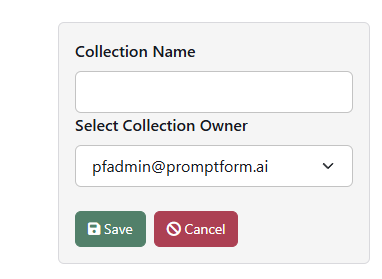
DESCRIPTION: Enabled team members to create, access and edit each other's collections within PromptForm, similar to website access.

IMPACT: Facilitates enhanced collaboration and knowledge sharing among team members, improving efficiency and teamwork.

May 15, 2025

CATEGORY: Functionality

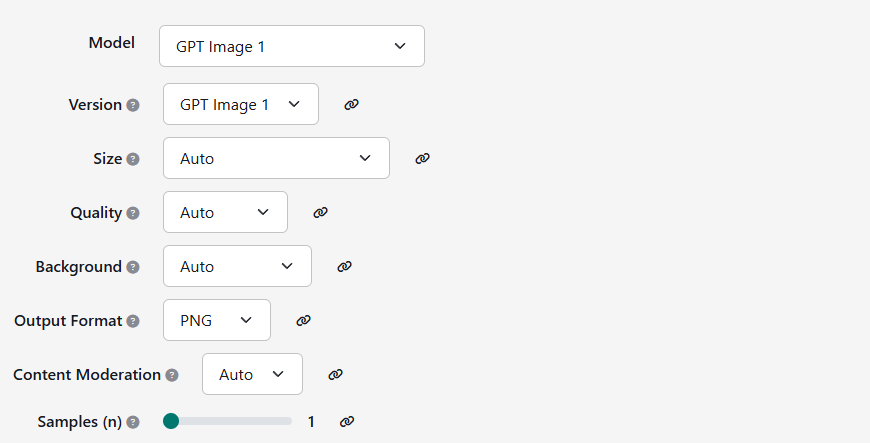
DESCRIPTION: Integrated support for the OpenAI gpt-image-1 model, allowing users to generate image-based prompts with enhanced capabilities. Note: Image editing has not been implemented yet, but it will be added in the near future.

IMPACT: Users can now leverage the GPT Image 1 model for generating image content, broadening the scope of creative tasks.

May 13, 2025

CATEGORY: Functionality

DESCRIPTION: Resolved an issue where the category list was either incomplete or missing from the filter, preventing users from filtering by categories as intended.

IMPACT: Users can now view and filter all categories from accessible apps, enhancing the usability of category filters.

May 12, 2025

CATEGORY: Functionality

DESCRIPTION: We have expanded our AI capabilities by integrating the latest OpenAI models: OpenAI o3, o3-mini, and o4-mini. These advanced models are now available for use, providing more options for AI-driven content creation and enhancements.

IMPACT: Users can now leverage these state-of-the-art models to generate more diverse and sophisticated outputs, enhancing the versatility and power of their prompt chaining capabilities.

May 08, 2025

CATEGORY: Usability

DESCRIPTION: Introduced functionality allowing non-partners to create custom fields within PromptForm.

IMPACT: Partners can continue to create and share custom website fields with their users, while non-partners (end-users) can add personal fields to use within their own apps, enhancing personalization and collaborative features.